Zone 00 / Main Line

See what Git is actually doing.

You already commit, push and merge every day. This self-paced course takes you under the porcelain: objects, refs, the commit graph, rebase, reflog, bisect and recovery — so the repository stops being a mystery and starts being a map you can read.

log --oneline --all feed
e3f9a12  merge feature/pay       [main]
7d4e21a  retry on 503            [feature/pay]
55c8f0d  add pay client          [feature/pay]
b09cc34  bump deps               [main]
a1b2c3d  release 2.4             [tag: v2.4]
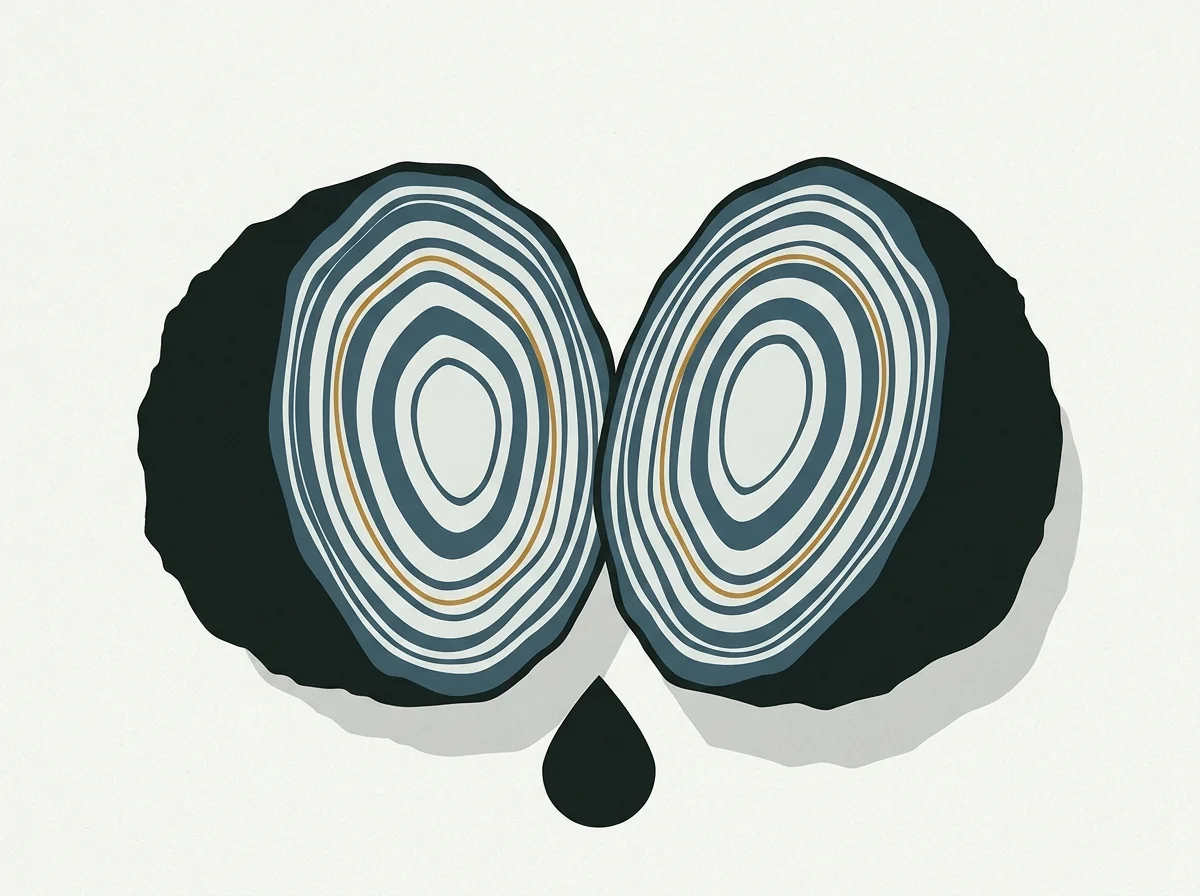
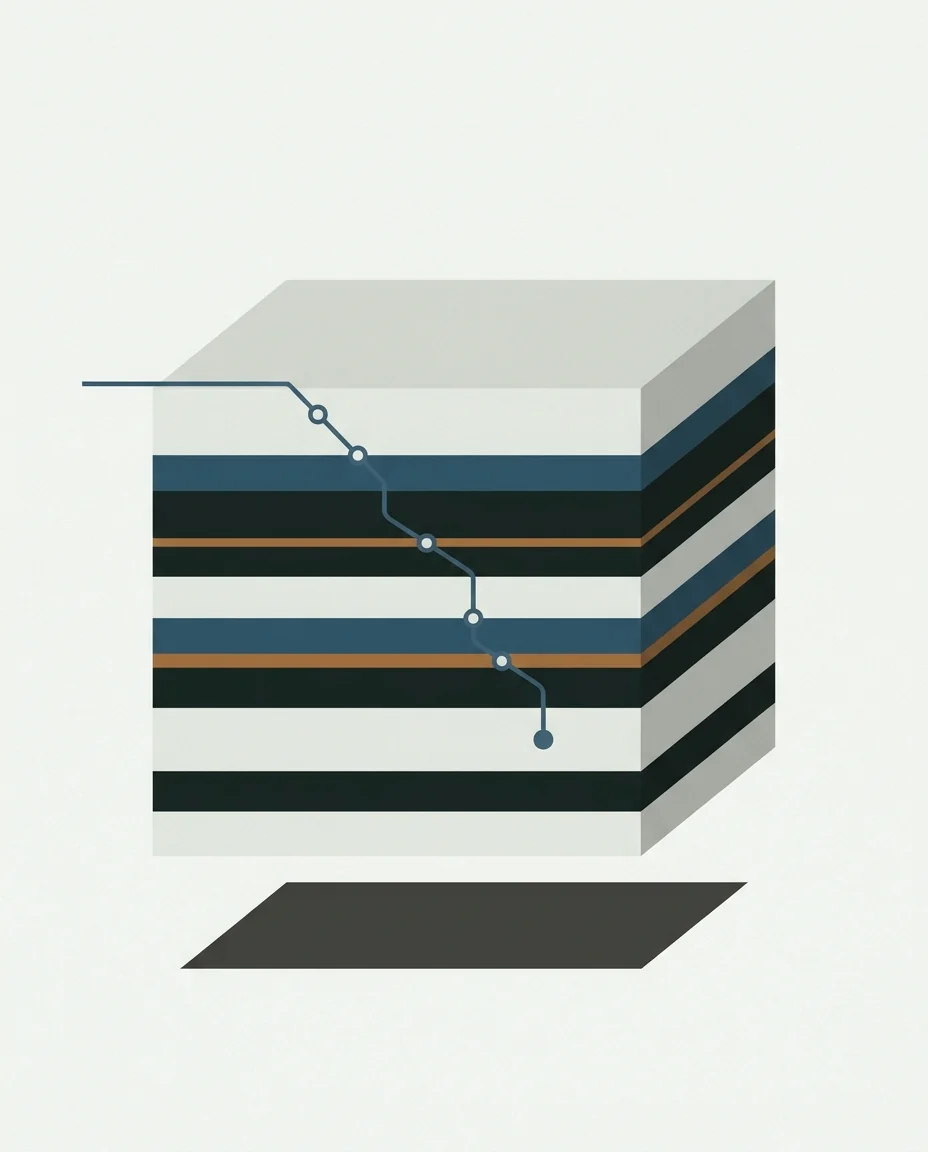
Flat illustration of a stratified repository block with a route line threading ring nodes through its layers
fig.00 / the repository in layers — every stratum a commit
Zone 01 / Outcomes

Where this line takes you.

Six stops. Each one is a capability you keep: read the graph, speak to the object store, choose your strategy, and recover from anything.

  1. stop 01

    Read git log --graph fluently and predict what any history looks like.

  2. stop 02

    Explain blobs, trees, commits and refs — and inspect them by hand.

  3. stop 03

    Choose between merge, rebase and squash on purpose, not on habit.

  4. stop 04

    Recover lost commits and botched rebases with the reflog.

  5. stop 05

    Hunt a regression down to its exact commit with git bisect.

  6. stop 06

    Resolve complex repository problems without deleting and re-cloning.

— terminus: 6 stops · no transfers required

fig.01 / a commit points at a tree; trees point at blobs; refs name commits
Zone 02 / Object Store

Four objects run everything.

Strip away the commands and Git is a content-addressed store of four kinds of object. Once you see them, every command — merge, rebase, reset — is just moves on this map.

blob

Contents, addressed by hash.

A blob stores file contents — nothing else. No name, no location: just bytes, addressed by the hash of what they contain.

tree

One directory, frozen.

A tree maps names to blobs and to other trees. Together, trees describe one complete snapshot of your project.

commit

A snapshot with a memory.

A commit points at a root tree, its parent commits, an author and a message. The chain of parents is the history.

ref

Names you can move.

Branches and tags are just names — tiny files pointing at a commit. HEAD is the name that follows you around.

cat-file.inspectionplumbing
$ git cat-file -t e3f9a12
commit

$ git cat-file -p e3f9a12
tree     4b825dc
parent   b09cc34
parent   7d4e21a
author   A. Uthor <[email protected]>
Zone 03 / Plumbing

Under the porcelain.

Every friendly command is shorthand for plumbing you can run by hand. Learn the expansion and the "magic" disappears — you will know exactly what each command wrote, moved or deleted.

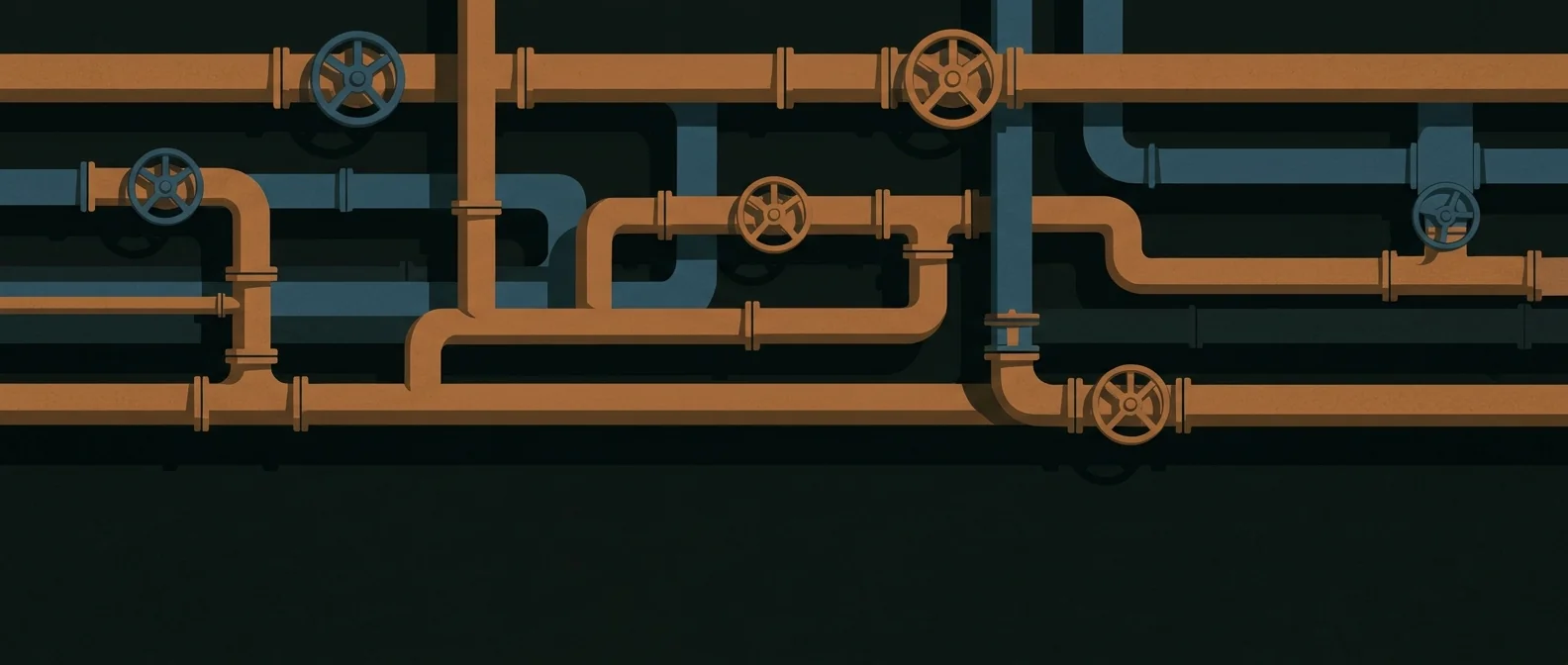
Flat illustration of copper pipes and valves running horizontally in layered cross-section
fig.02 / every porcelain command is plumbing underneath

git add

hash-object -w + update-index

Writes a blob for each staged file, then records it in the index.

git commit

write-tree + commit-tree + update-ref

Freezes the index into trees, writes a commit, moves your branch.

git checkout -b

update-ref + symbolic-ref HEAD

Creates a ref file, then points HEAD at the new name.

git merge

merge-base + read-tree -m + commit-tree

Finds the common ancestor, merges trees, writes a join commit.

git reset

update-ref (+ read-tree)

Moves the branch pointer — optionally the index and worktree too.

Zone 04 / The Graph

Learn to read, then to rewrite.

History is a directed graph and every operation is a move on it. Four ideas cover most of what ever goes wrong — or right — in a repository.

1/4
graph.read

Reading the map.

git log --graph is not decoration — it is the actual structure. Learn to trace parent links, spot merges and see where every branch sits before you touch anything.

graph_read.sh
$ git log --graph --oneline

* e3f9a12 merge feature/pay
|\
| * 7d4e21a retry on 503
| * 55c8f0d add pay client
* | b09cc34 bump deps
|/
* a1b2c3d release 2.4
2/4
graph.head

HEAD and refs.

HEAD is a pointer to a pointer — a name for "where you are". Detached HEAD is not an error state; it is just HEAD resting on a commit instead of a branch.

graph_head.sh
$ cat .git/HEAD
ref: refs/heads/main

$ cat .git/refs/heads/main
a1b2c3d4e5f6...

$ git checkout a1b2c3d
# HEAD now holds the hash itself
3/4
graph.merge

Merge vs rebase.

A merge adds a join station — history stays exactly as it happened. A rebase lifts your stations and rebuilds them on a new line: cleaner to read, but it is a new line, not the old one.

graph_merge.sh
$ git rebase main

# before:  A—B—C (main)
#           \ D—E (you)
# after:   A—B—C—D'—E'
# new hashes, same changes
4/4
graph.reflog

The safety rail.

Every move HEAD makes is recorded — commits, resets, rebases, checkouts. "Lost" work is almost always one reflog entry away. This is the skill that removes the fear.

graph_reflog.sh
$ git reflog

9fceb02 HEAD@{0}: reset: moving to HEAD~3
7d4e21a HEAD@{1}: rebase (finish)
55c8f0d HEAD@{4}: commit: add pay client

$ git branch rescue 55c8f0d
Zone 05 / Curriculum

Seven stations to fluency.

Each module ends with a lab: you break and rebuild a real repository on your own machine — plumbing commands, not screenshots.

7 stations · 28 lessons · a lab each

    • A tour of the .git directory
    • hash-object and the object store
    • Inspecting objects with cat-file
    • How trees describe a snapshot

    lab — Reconstruct a commit by hand using only plumbing commands.

    • What a branch file actually contains
    • Symbolic refs and detached HEAD
    • packed-refs and ref storage
    • Remote-tracking branches demystified

    lab — Move a branch pointer without checkout — and predict every consequence.

    • Parents, ancestors and the DAG
    • Revision syntax: ~, ^, .., ...
    • rev-parse and object names
    • Reading log --graph fluently

    lab — Answer real history questions using revision syntax only.

    • Merge bases and how Git finds them
    • Fast-forward vs a true merge
    • Conflicts as index states
    • Rerere: teaching Git your resolutions

    lab — Resolve a three-way conflict by reading the stage entries in the index.

    • What rebase does, step by step
    • Interactive rebase and autosquash
    • When rewriting is safe — and when it is not
    • Rebasing onto the right base

    lab — Clean a messy feature branch into a review-ready series.

    • Anatomy of the reflog
    • Recovering "lost" commits and branches
    • fsck and dangling objects
    • Binary search with git bisect

    lab — Rescue a repository after a hard reset and a deleted branch.

    • gc, packfiles and object storage at scale
    • Worktrees and parallel branches
    • Hooks: where automation plugs in
    • Choosing a workflow for your team

    lab — Audit a repository, repack it, and document a branching workflow.

Zone 06 / Recovery

When history breaks.

The scenarios that send people to search engines in a panic. You will walk each one in a scratch repository until the fix is reflex. Incident logs shown are illustrative.

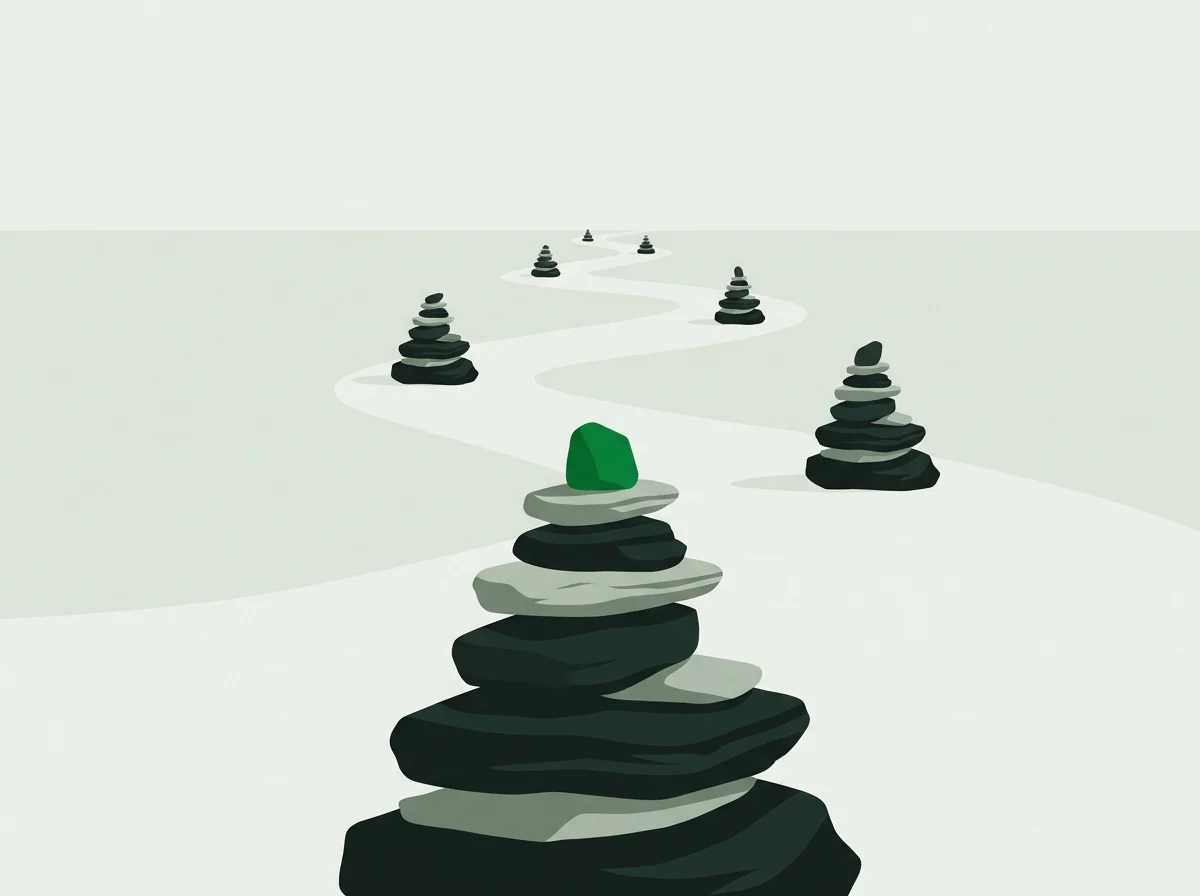
Flat illustration of stone cairns marking a winding path to the horizon
incident.lost_commit

A commit you thought was gone.

git reset --hard destroyed your work? The reflog recorded every position HEAD ever held. Find the hash, name it, keep moving.

incident log — illustrative

+HEAD@{2}: reset: moving to HEAD~3 +HEAD@{5}: commit: add payment retry +rescue: git branch rescue 9fceb02
A geode split cleanly in half, crystals exposed inside the dark rock
incident.regression

A regression with no suspect.

Something broke between release and now. Mark a good and a bad commit — bisect walks the graph by halves until the culprit stands alone.

incident log — illustrative

+bisect start → 127 revisions left +bisect good → 6 revisions left +a1b2c3d is the first bad commit
Two rope ends rejoined with a neat splice on a neutral surface
incident.bad_rebase

A rebase gone wrong.

Conflicts resolved badly, commits dropped, history scrambled. The pre-rebase tip is still there — ORIG_HEAD remembers.

incident log — illustrative

+rebase (start): checkout main +ORIG_HEAD: 7d4e21a +rescue: git reset --hard ORIG_HEAD
Two rivers meeting at a confluence, seen from directly above
fig.04 / two histories, one junction — the merge commit
Zone 07 / Workflows

Choose the route on purpose.

Merge, rebase and squash produce three different maps from the same work. None is "right" — each is right somewhere. The course gives you the decision rules.

merge commit

History stays exactly as it happened — the join station is explicit and auditable.

best when: shared branches, audit trails matter

rebase

Your stations are rebuilt onto the tip in a straight line — clean to read, but rewritten.

best when: local cleanup before pushing

squash

The whole branch collapses into a single commit — the steps vanish, the result stays.

best when: the steps were messy but the result is clean

— rule of thumb: never rewrite commits other people have built on.

Zone 08 / Fare Check

Is this your line?

Built for you if

  • You use Git every day but mostly by memorized recipe.
  • You have searched "undo git rebase" more than once.
  • You maintain shared branches and want to predict merges.
  • You want recovery skills you can trust under pressure.

Probably not if

  • You have never used Git — this is not a first-tools course.
  • You want GitHub/GitLab administration or CI/CD pipelines.

You need

  • Git 2.x installed
  • A terminal you are comfortable in
  • Any OS — labs are platform-neutral
  • A scratch repository you can break
  • No GitHub account required
Zone 09 / Fares

Choose your plan.

Self-paced, one payment, access granted right after checkout. Every plan includes a 14-day refund window — see the Refund Policy.

Plumbing

The internals, end to end.

$129

  • Modules 01–05
  • Objects, refs, graphs and merging
  • Hands-on labs for every module
  • Self-paced lessons
Get Started

Full Map + Toolkit

Everything, plus reusable material.

$339

  • Everything in Full Map
  • Recovery runbook and cheat sheets
  • Workflow decision trees for teams
  • Extended reference notes
Get Started
Zone 10 / Information

Questions, answered.

You should already use Git daily: add, commit, push, pull, branch and a basic merge. The course takes over from there — no internals knowledge is assumed, but it is not a beginner's first-tools course.

The focus is Git itself — the object model and history mechanics that every hosting platform sits on. Platforms appear only where they intersect, like remote-tracking branches and pull-request workflows. This is not a platform administration course.

That is the point. You will break a scratch repository on purpose, and every destructive move is taught alongside its undo path. Nothing in the labs can damage real work.

Git 2.x on any operating system, plus a terminal you are comfortable in. All labs are platform-neutral and run in a local scratch repository — no accounts or hosted services required.

Access is granted right after payment. You sign in with the email you used at checkout and can start with module 01 immediately.

There are no cohorts, schedules or live sessions. Lessons and labs are self-contained, so you can move through them at whatever speed fits your work.

You can request a full refund within 14 days of purchase, as long as you have completed less than 30% of the content. Details are in the Refund Policy.

Something else on your mind?

Contact us
terminus · all lines open

The map was always there. Learn to read it.

Seven stations, three rescues and a mental model that outlasts every cheat sheet. Start whenever you are ready.